Organizing My Desk as an Embedded Engineer
- Anna-Lena Marx
- Embedded
- August 9, 2023
Table of Contents
As an embedded dev, my desk is always a mess (and I think the ones of my colleagues, too). Working with real hardware leads straight to a number of boards, additional debuggers, tools, cables and more. And of course, as the most developers, I have a number of work projects and another of private ones. Even worse, I’m working from home for a good share of my time, so both kinds contribute to the mess there. Managing this is a constant effort and fight, but rarely successful.
The Idea
Some time ago, I saw an interesting approach to handle the hardware project mess in Jay Carlson’s Blog on his home office setup for embedded projects. I liked his idea of using lunch trays and a matching rack a lot, as it helps from my point of view with several pain points:
- one project per tray
- no need to disassemble the setup when switching between projects
- neatly storing projects without mess on the desk
- easy switching between projects and setups
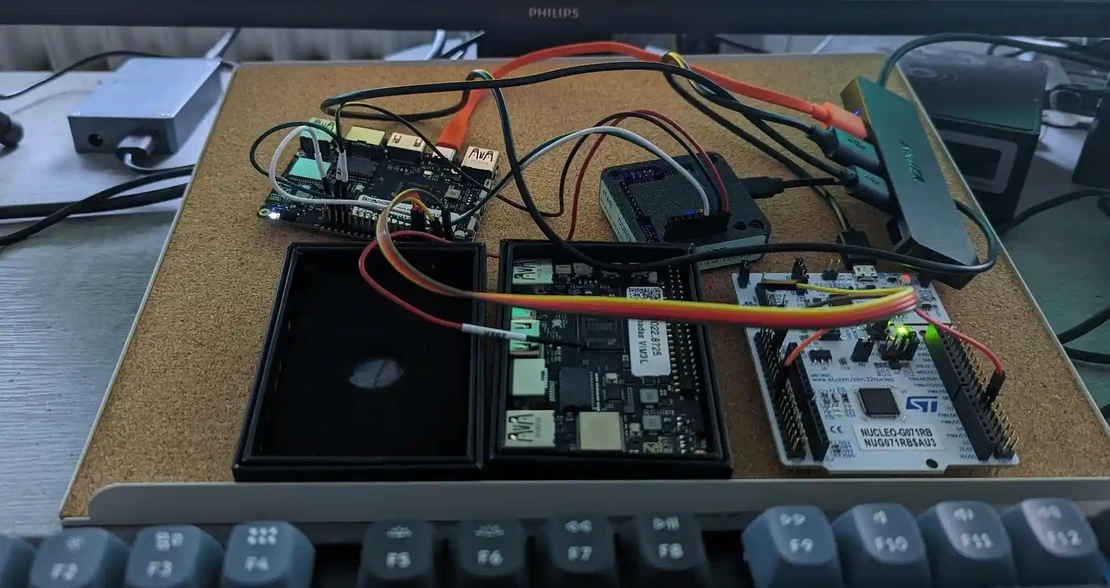
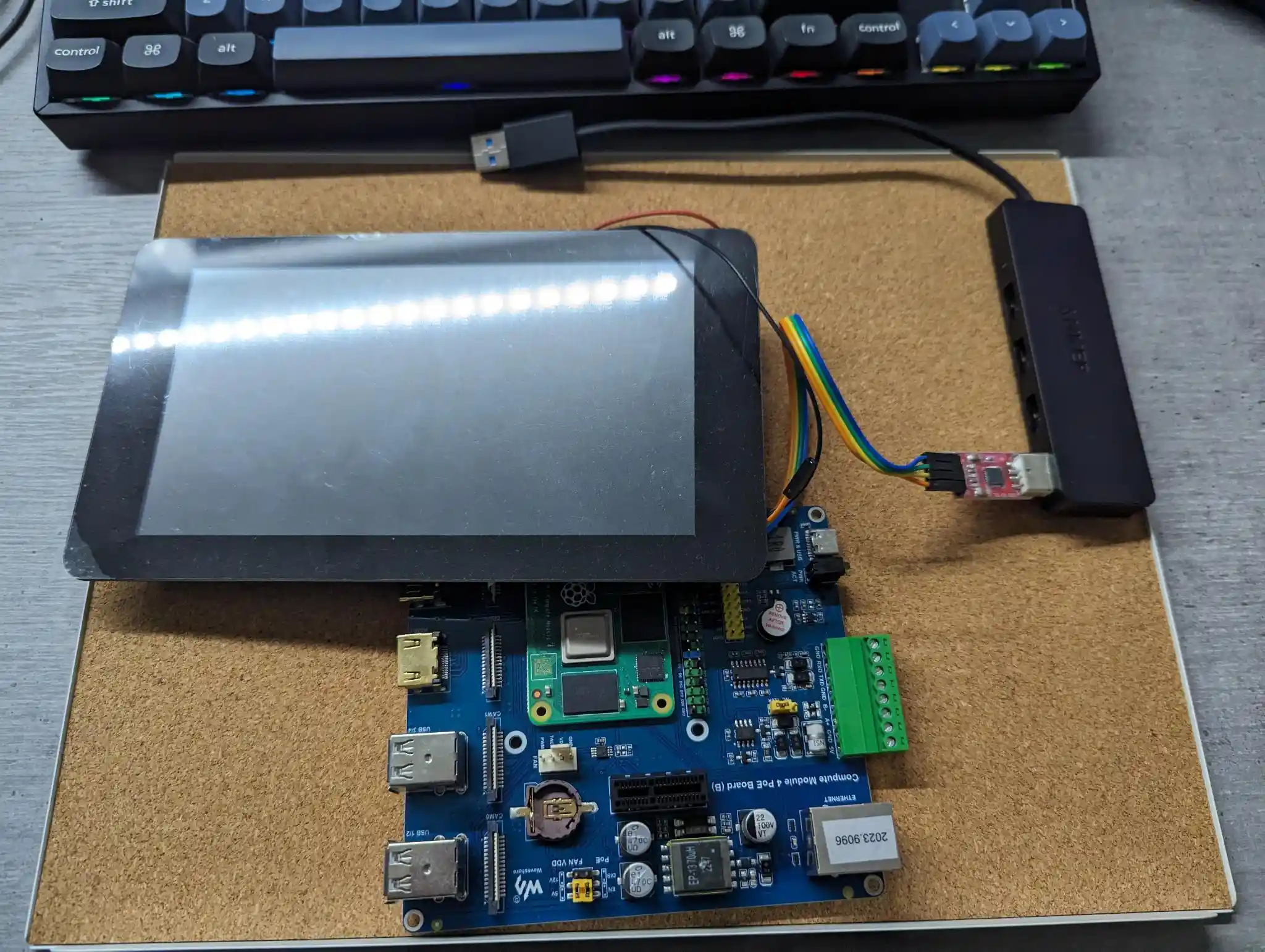
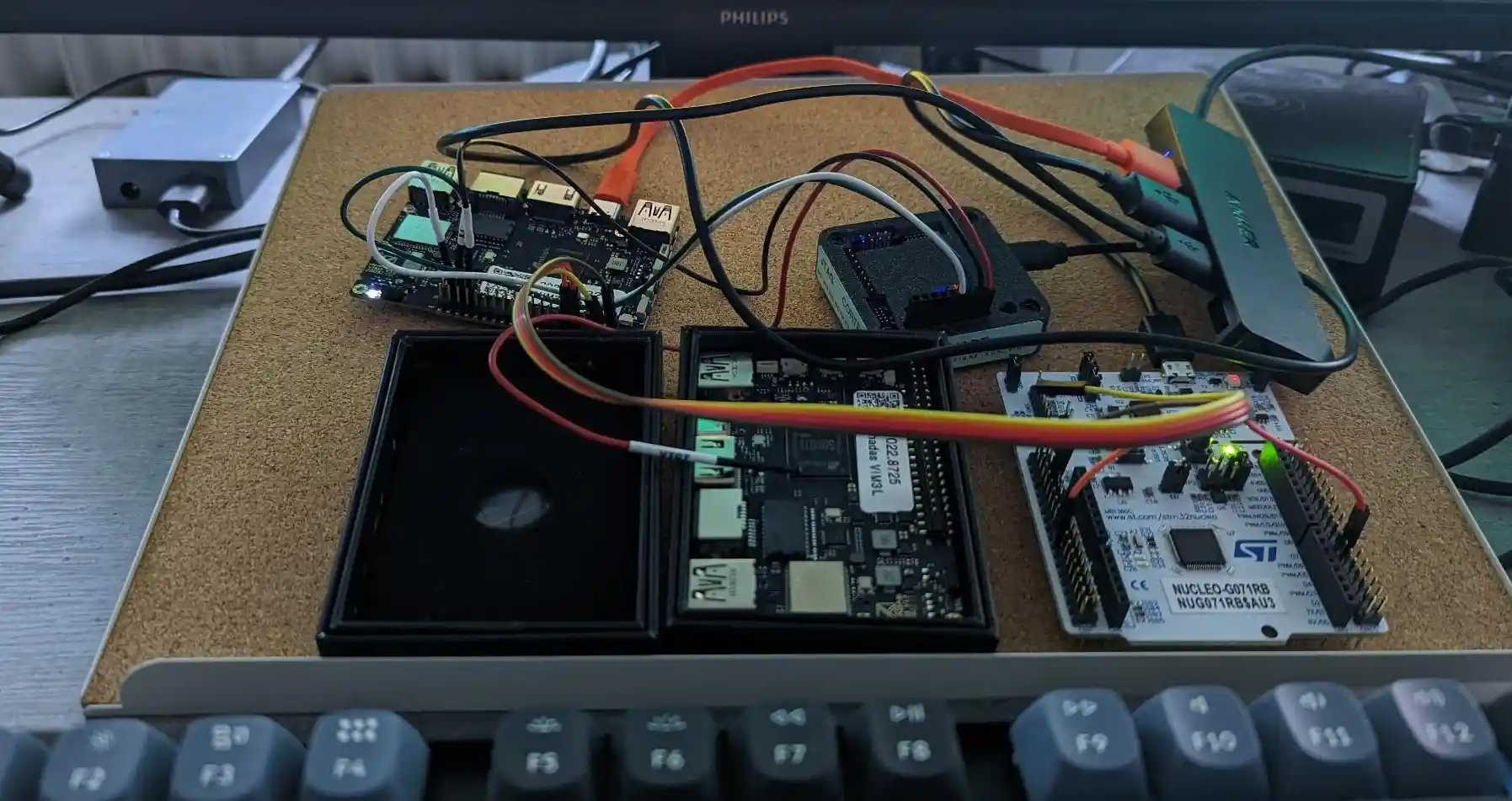
But for me, lunch trays and the rack are a bit too large. Nevertheless, the idea stuck in my head, so I searched for alternatives and came up with the IKEA letter tray Kvissle. It’s cheap, not that large and space consuming as the lunch tray rack, but the single trays are in general, large enough for my projects. And as a plus, they have a cork inlay. Cork is antistatic, which makes it perfectly suitable for electronics.
And the Result
A cleaner, more organized desk! And less effort switching between (hardware) projects.
To Improve
Of course, there are always things to improve, to get the tray solution even more helpful. On my list are:
- better USB hubs
- getting more Tigard and Saleae test leads, USB-UART converters and similar tools, so the wiring (and inexpensive tools) can stay per tray while the expensive tools can be moved easily
- fixating boards and debuggers
On the software side, evaluating Labgrid, a library for automating embedded development and testing, is on top of my list.
In the End
I’m very happy with the tray approach. It helps me a lot to keep projects, hardware and my desk organized. Meanwhile, I got even letter trays for the office. Besides my, colleagues and especially students use them to store their projects while they are not working, so there are no desks blocked.
Related Posts
Advanced System Profiling, Tracing and Trace Analysis with Perfetto in Android and Yocto
- Anna-Lena Marx
- October 8, 2024
- Embedded , Conferences
Together with my colleague Stefan Lengfeld.
Tracing is a capable mechanism for deep system analysis and profiling with a minimal overhead. By recording defined system events, in Linux but also Android, tracing can be used to analyze concurrency or latency issues, for example. Android’s systrace tool made it easy to analyze and correlate traces and events due to a graphical UI, in order to help developers identify performance bottlenecks. The successor to this advanced and convenient tool is called Perfetto. It’s available for pure Linux too, and part of Yocto (meta-oe) since Langdale now. In the talk, we’ll have a look into
Read Post
Building a Yocto Pipeline with KAS, GitHub Actions and AWS
- Anna-Lena Marx
- November 29, 2023
- Embedded , Conferences
Using KAS makes handling Yocto Projects easy. By shipping its own container with all needed dependencies, building sophisticated CI pipelines becomes pretty easy - in theory, or when using Gitlab.
But using GitHub as a code hosting platform with self-managed Action runners on AWS comes with a set of unexpected challenges.
Anna-Lena will talk about her quest through GitHub Actions, the Cloud and how to tame them.
The talk aims to point the audience to the obstacles when building CI pipelines for the Yocto Project with KAS, GitHub Actions, and custom action runners on AWS and strategies to handle them.

How a modern Yocto setup could look like
- Anna-Lena Marx
- November 20, 2022
- Embedded , Conferences
In 2015, we built a sophisticated meeting room information system based on Android Things as a student project. As Android Things was deprecated in 2021, we started to use our Yocto Project experience to develop a maintainable, future proof embedded system.
When setting up a new project from scratch, we focused on proper solutions for
- a maintainable, well supported and patchable build environment for the embedded systems
- version control, reproducible builds and continuous integration
- license management
- a secure and stable update mechanism on image base and
- managing releases The talk aims to show how we build a system that matches our requirements using the Yocto Project, KAS, Gitlab CI, and Mender.io. Besides, we will have a short outlook to the application built in Flutter.
Presented at
- Yocto Project Summit 2022.11, virtual, 2022
- buildingIoT, Munich, 2023
Download original slides (Yocto Project Summit) Download updated slides (buildingIoT)
Read Post